

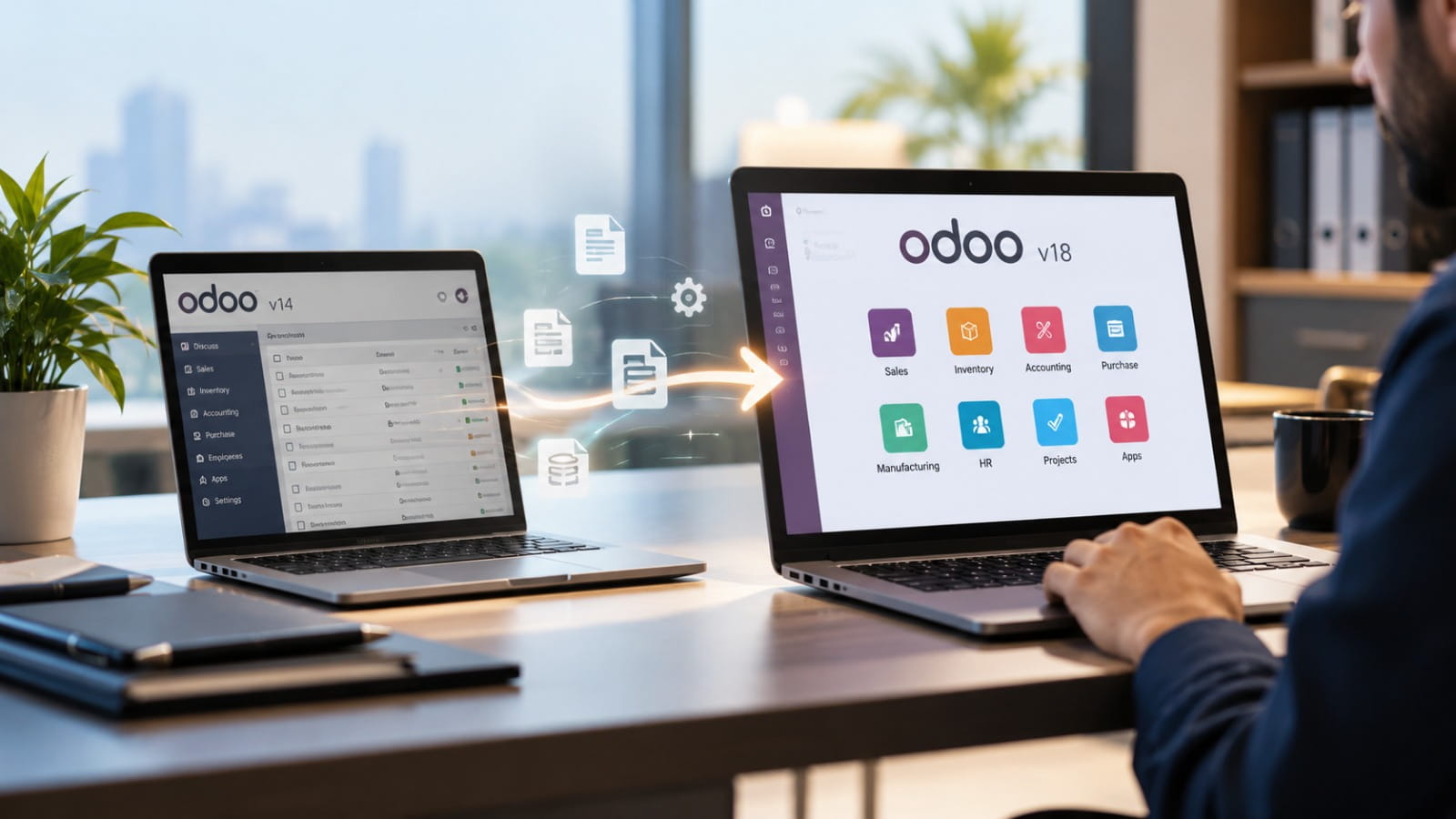
For a growing business, an ERP system should improve efficiency, simplify daily operations, and support long-term growth. As a business grows, its existing Odoo system may no longer meet its changing needs, particularly when new integrations, reporting requirements or compliance rules come into play.
For UAE businesses, Odoo migration is becoming an important consideration as companies prepare for electronic invoicing, strengthen tax reporting processes and expand across multiple locations or GCC markets.
But when is the right time to upgrade? Moving to a new version too early can create unnecessary costs, while delaying migration for too long may increase maintenance challenges and operational risks. Understanding the warning signs and planning the transition carefully can help businesses make a more informed decision.
Signs Your Business May Need Odoo Migration
A new Odoo version is not automatically a reason to migrate. Whether to upgrade depends on how well the current Odoo system meets business needs and what improvements a newer version could bring.
Your current version is approaching end of support. Older versions eventually reach the end of their official support period. This can make it harder to obtain security updates, bug fixes and compatibility improvements. Businesses should review their version’s support status and plan upgrades before support becomes a concern.
Maintenance costs are increasing. Frequent technical fixes, outdated custom modules and manual workarounds can gradually increase the cost of maintaining an ERP system. If maintaining existing functionality requires more effort than improving business processes, migration may be worth evaluating.
Third-party integrations are becoming unreliable. Payment gateways, shipping providers, e-commerce platforms and other business applications regularly update their APIs and security requirements. An older Odoo environment may require additional development to maintain these connections.
Business growth is creating performance challenges. Increasing transaction volumes, additional users, multiple warehouses and new company entities can place greater demands on the system. If reporting delays or system limitations affect daily productivity, it may be time to assess the current setup.
Your workflows no longer match business needs. If teams frequently switch between spreadsheets and separate applications or enter the same information multiple times, it may be time to reconsider whether the current ERP setup still fits the business.
Why UAE Businesses Should Review Their Odoo Version
Across the UAE, businesses are paying closer attention to digital systems and the need to keep pace with changing compliance requirements. Companies must manage VAT reporting, Corporate Tax records, multi-company operations and evolving electronic invoicing requirements while maintaining accurate financial information.
The UAE’s e-invoicing programme is a particularly important reason to assess ERP readiness. Businesses within its scope must prepare to exchange structured electronic invoices through the applicable framework and an Accredited Service Provider (ASP).
For businesses with annual revenue of AED 50 million or more, the announced ASP appointment deadline is 30 October 2026, with mandatory implementation scheduled for 1 January 2027. Businesses below that revenue threshold have a 31 March 2027 ASP appointment deadline and a 1 July 2027 implementation date.
An Odoo upgrade may be necessary if the existing environment cannot support the required data structures or integrate reliably with the selected provider. However, upgrading alone does not guarantee compliance. Businesses must also review tax configurations, customer and supplier records, invoice formats, credit-note workflows and integration requirements.
Corporate Tax reporting, free-zone transactions, multi-currency accounting and intercompany operations should also be considered during migration planning. The aim is to ensure that the updated system supports the business’s actual reporting and operational requirements.
Choosing the Right Odoo Migration Approach
The best migration plan will vary depending on the current Odoo setup, the level of customisation involved, the hosting platform and the company’s future plans.
A version upgrade is suitable when the current system is stable but the business needs to move to a supported release. This approach focuses on transferring the existing database and validating that essential workflows continue to operate correctly.
Custom module refactoring may be necessary when older Python code, XML views or integrations are incompatible with the target version. Rather than copying every customisation, businesses should identify which features remain necessary and whether standard Odoo functionality can replace outdated development.
Platform migration may be appropriate when the current hosting environment no longer meets performance, accessibility, maintenance or infrastructure requirements. Moving to a suitable cloud or managed hosting environment can be considered alongside the version upgrade, provided the additional changes are planned and tested carefully.
In some cases, businesses may also benefit from redesigning inefficient workflows before migration. This prevents outdated processes from being carried into the new system and creates a better foundation for future improvements.
How to Prepare for a Successful Odoo Migration
A well-planned migration begins with a detailed assessment rather than immediate technical changes.
Audit the existing environment. Document the Odoo version, installed applications, custom modules, integrations, user roles, reports and critical business workflows. This helps identify dependencies and potential migration risks.
Clean and validate business data. Review customer and supplier information, product records, tax settings, chart of accounts and opening balances. Incomplete or duplicated data can affect reporting accuracy and create problems after migration.
Select the target version carefully. Choose a supported release that meets business requirements and has the necessary localisation and integrations available. The newest release is not always the most suitable choice if a business-critical integration is not yet ready.
Test in a staging environment. Set up a separate testing environment with a copy of your database to identify any migration issues before applying changes to the live system. Validate sales, purchasing, accounting, inventory, reporting and external integrations using realistic business scenarios.
Plan the transition around operations. Schedule the production cutover during a suitable business period, take verified backups, communicate the plan to employees and establish a rollback procedure where feasible.
Provide post-migration support. After launch, monitor transactions, reconcile financial balances, check integration performance and address user feedback. Training is equally important because even a technically successful migration can create disruption if employees are unfamiliar with the updated workflows.
When Is It Better to Delay an Upgrade?
Upgrading to the latest Odoo version makes sense when it addresses specific business needs or improves existing operations. If the existing Odoo environment remains supported, performs reliably, meets compliance needs and integrates properly with essential applications, an immediate upgrade may not be necessary.
Timing also matters. A major migration during year-end financial closing, peak retail periods, stocktaking or a critical warehouse rollout can increase operational risk. In such cases, businesses should continue preparing while selecting a more suitable implementation window.
The important distinction is between delaying the production deployment and delaying the planning process. Early assessment gives businesses more time to address technical issues, allocate budgets and prepare employees.
Conclusion
The right time for Odoo migration is when the existing system begins to limit business growth, increase maintenance costs, create integration problems or make compliance preparation more difficult. For UAE businesses, upcoming e-invoicing requirements add urgency to reviewing ERP capabilities and planning the necessary changes well in advance.
Working with experienced providers of Odoo integration services in UAE can help businesses assess their current environment, review custom modules, prepare data and test essential workflows before migration.
A successful Odoo migration should do more than update the software; it should help the business operate more efficiently and meet its changing needs. It is an opportunity to simplify processes, improve system reliability, strengthen reporting and build a scalable digital foundation for long-term business growth.